

The course was easy for me since I've been writing about Claude Code since day one, but that doesn't mean it's not valuable.
If you're someone who enjoys certifications, this might be the first official Claude Code certification available.
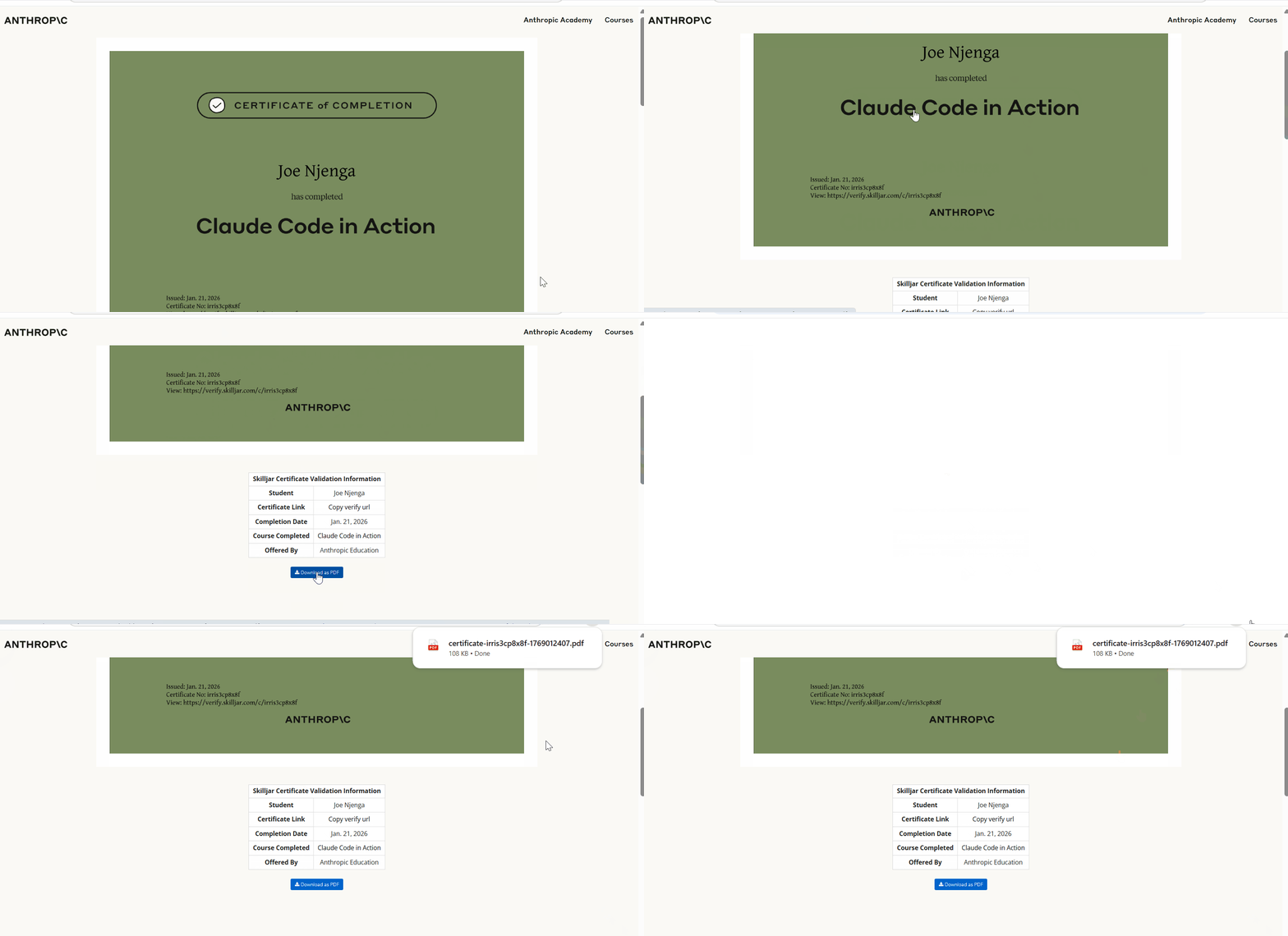
It gives you a sense of accomplishment and something tangible to showcase on LinkedIn.
I added mine to my profile, though I'm not so enthusiastic about badges.

The course serves two purposes:
- For beginners, it's a solid introduction to Claude Code.
- For experienced users, it works as a skills assessment to gauge where you stand.
The learning curve for Claude Code is steep, and the ecosystem is changing very fast.
This course provides a good foundation in the basics, especially for professionals looking to master Claude Code basics quickly.
This course breaks down Claude Code's core concepts.
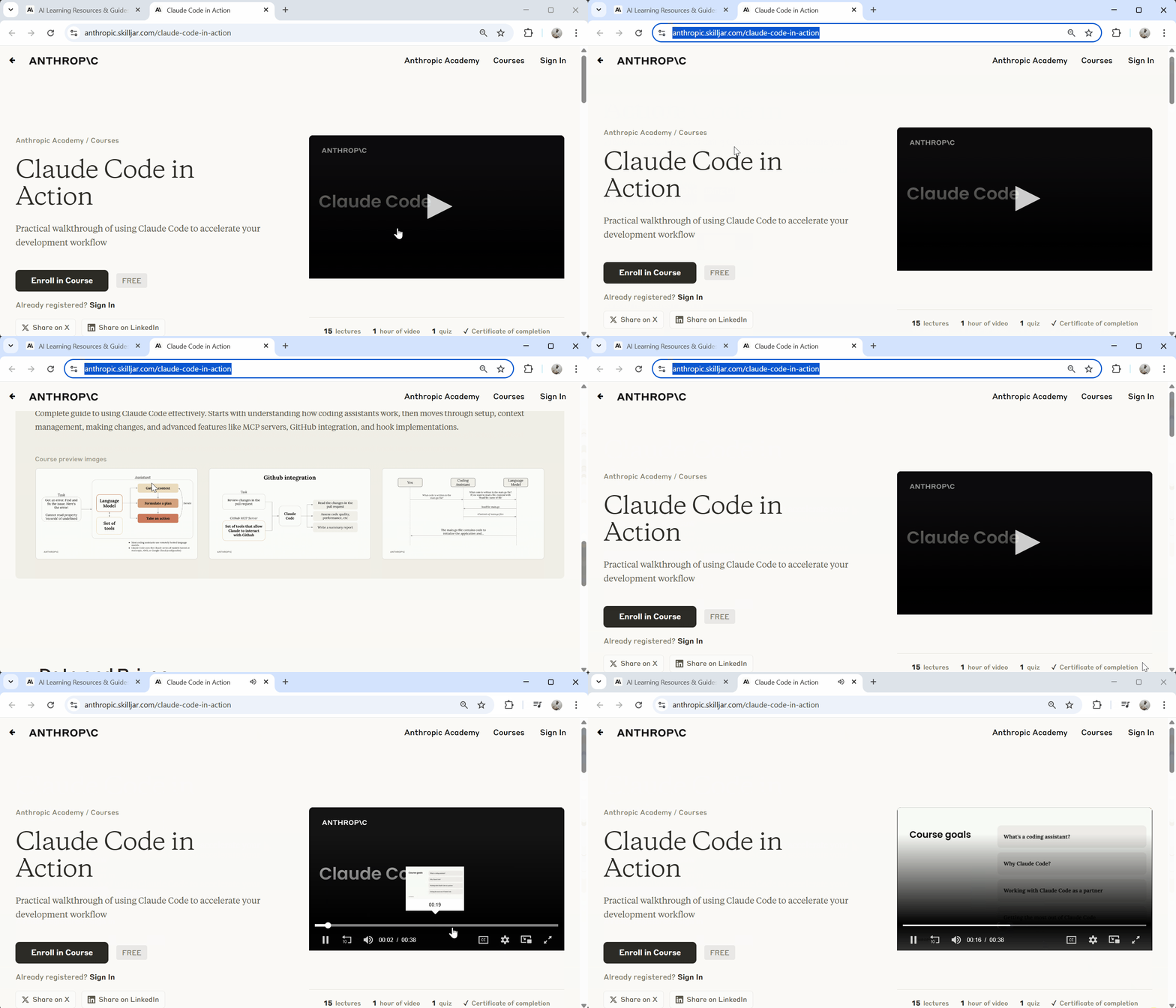
You get 15 lectures packed into about an hour of video content, covering everything from basic setup to advanced features like MCP servers and GitHub integration.
The course walks you through Claude Code's tool system, context management techniques, and how to extend functionality with hooks.
I went through it, but even with my experience, the quiz caught me off guard on one question.
The course is free, includes a completion certificate, and takes minimal time to finish.
Whether you're new to Claude Code or want to validate your skills, it's worth checking out.
Let me walk you through what the course offers and my experience earning the certificate.
Anthropic Claude Code In Action Course
Anthropic Academy is the official learning hub for all things Claude.
You'll find it at anthropic.com/learn.
The platform hosts various courses covering API development, enterprise deployment, and now Claude Code.
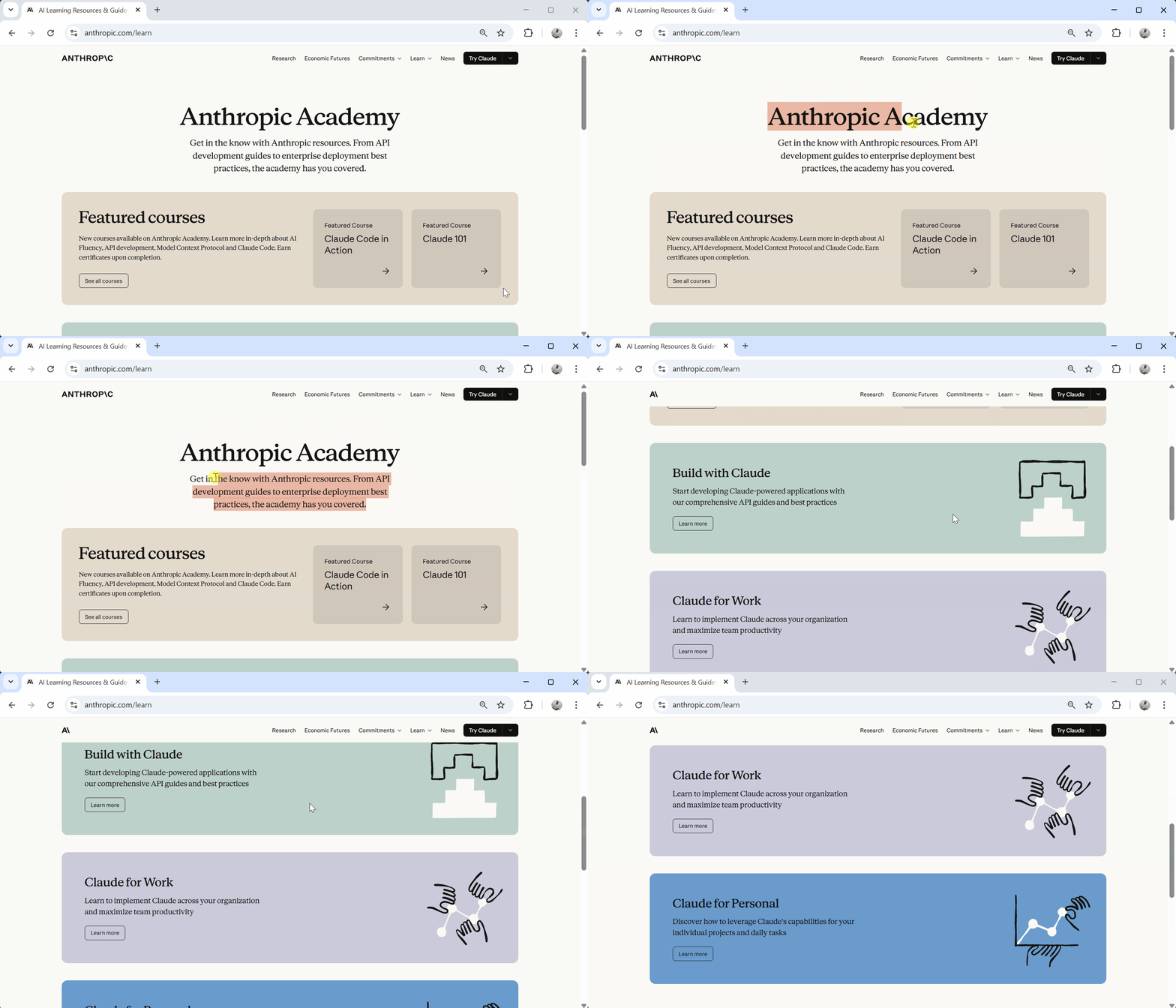
The Claude Code in Action course is one of the featured courses.
Access is free; you just need to sign up with your email, and you're in.
Course Overview
Here's what you get when you enroll:
- 15 video lectures covering core to advanced topics
- 1 hour total runtime — compact and focused
- 1 final quiz to test your knowledge
- Certificate of completion upon passing
- Lifetime access to all course materials
Should You Take This Course?
The course targets engineers who want AI assistance in their development workflow.
The prerequisites are minimal:
- Basic command line familiarity
- Access to Claude Code
- An Anthropic API key
You don't need to be a Claude Code expert.
The course assumes you're starting fresh, though experienced users will find value in the structured approach to features they might have missed.
The learning objectives are practical and focused.
By the end, you'll be able to:
- Use Claude Code's core tools for file manipulation and command execution
- Manage context with
/initcommands,Claude.mdfiles, and@mentions - Control conversations using hotkeys and commands
- Enable Plan Mode and Thinking Mode for complex tasks
- Create custom commands for repetitive workflows
- Extend functionality with MCP servers
- Set up GitHub integration for automated PR reviews
- Write hooks to customize Claude Code behavior
The course walks you through each feature with practical demonstrations. You see Claude Code in action, which is the objective of this course.
Course Content Breakdown
The course is organized into four main sections, each building on the previous one.
I'll walk you through what each section covers and what stood out to me.
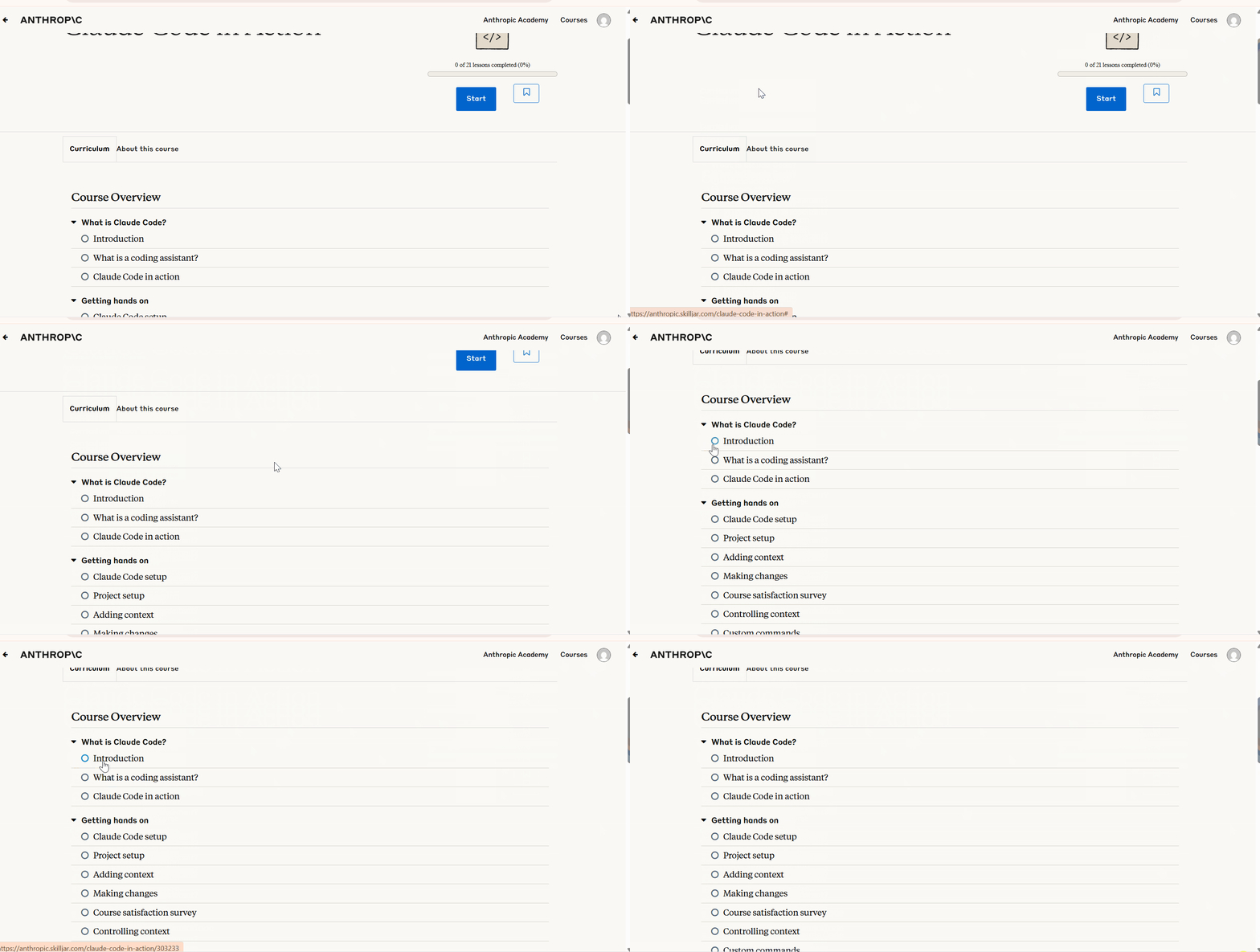
What is Claude Code?
The course starts with fundamentals. This section answers the basic questions before diving into hands-on work.
Key lessons:
- Introduction — Overview of what you'll learn
- What is a coding assistant? — Understanding how language models work as development tools
- Claude Code in action — First look at Claude Code working in a real scenario
The coding assistant lesson explains why language models need tool systems to be effective.
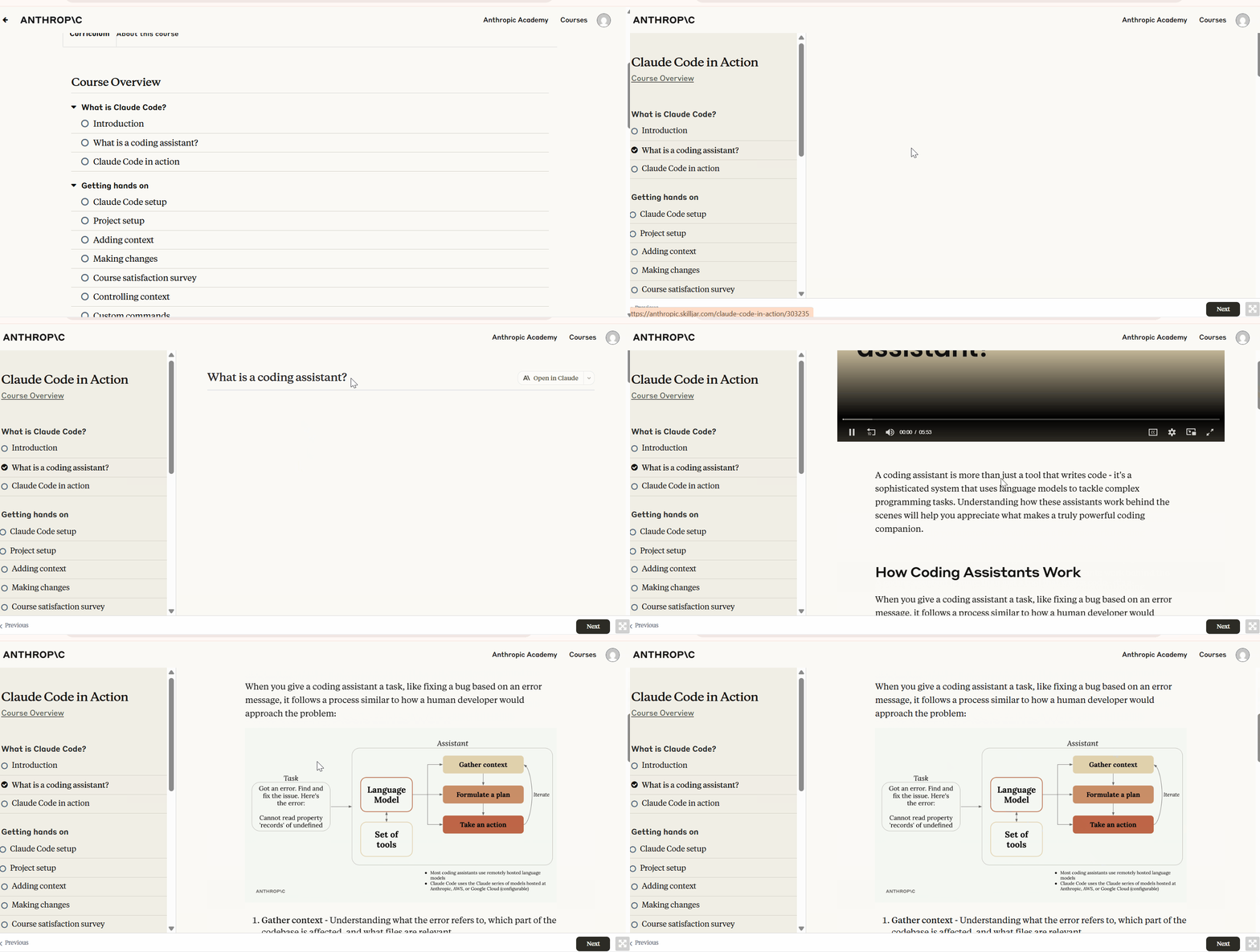
They can't directly interact with your filesystem or run commands. They need a structured way to read files, execute commands, and modify code.
Getting Hands-On
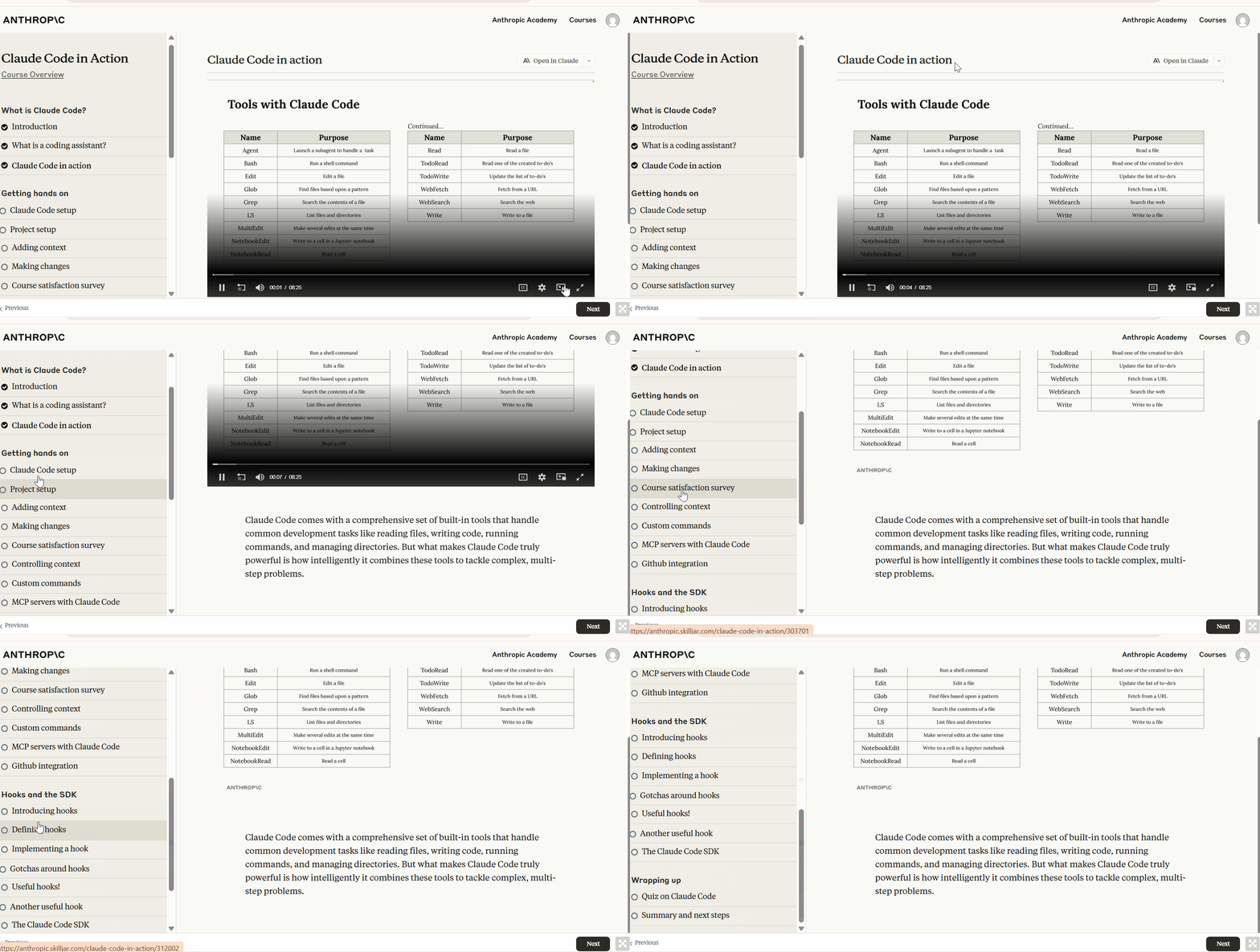
This is where the practical work begins. The section covers setup through to making actual changes in your codebase.
What you'll learn:
- Claude Code setup — Installation and configuration
- Project setup — Initializing Claude Code in your projects
- Adding context — How to give Claude Code the right information
- Making changes — Actually modifying code with Claude Code
- Controlling context — Managing what Claude Code sees and remembers
- Custom commands — Creating shortcuts for repetitive tasks
- MCP servers with Claude Code — Extending capabilities with Model Context Protocol
- GitHub integration — Automating PR reviews and issue handling
The context management lessons are a good start. Claude Code is only as good as the context you provide.
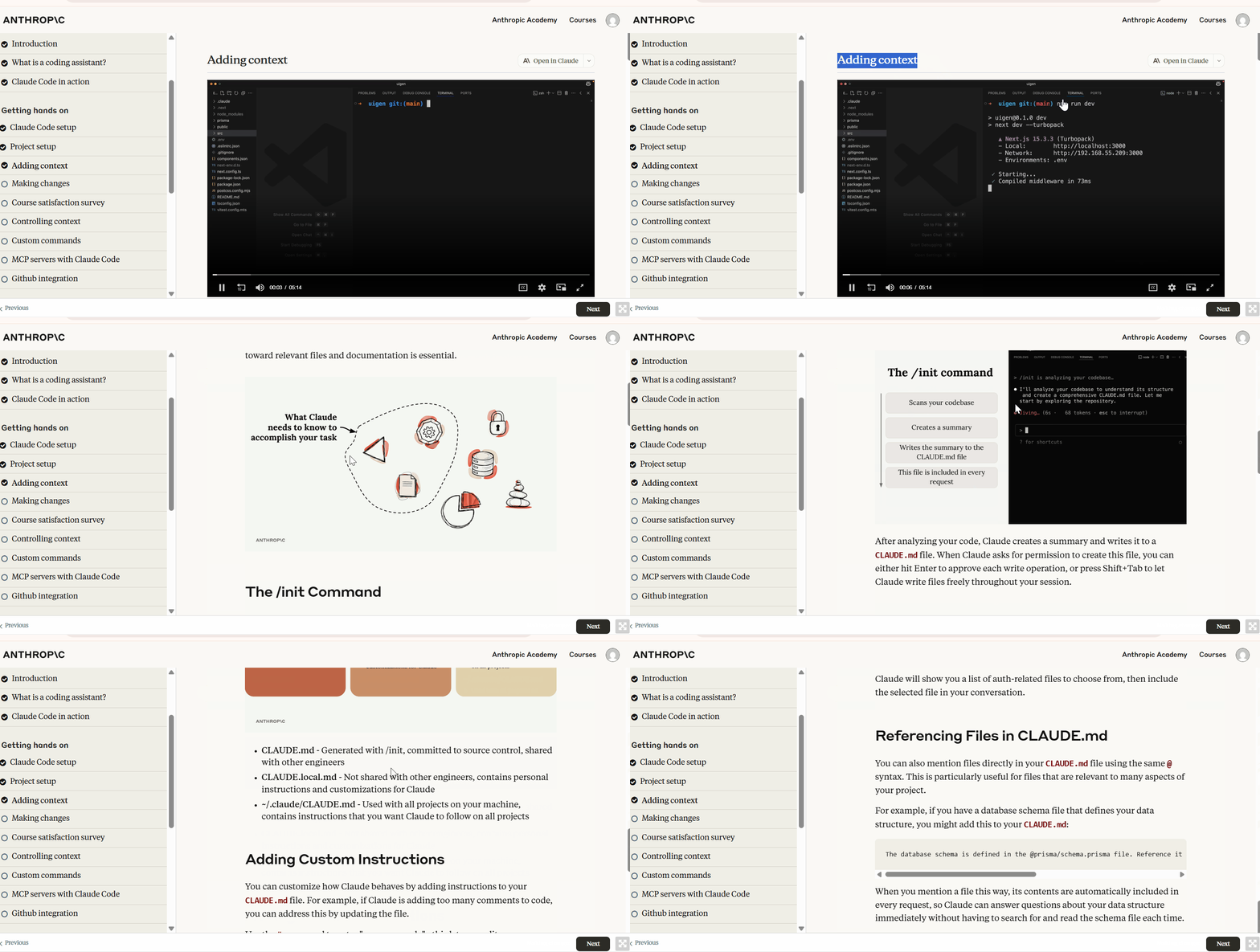
The course shows you how to use
/initcommands,Claude.mdfiles, and@mentions effectively. You also learn about Plan Mode and Thinking Mode for complex tasks that need deeper analysis.
The MCP servers section opens up possibilities.
You can add browser automation, database access, and other capabilities that aren't built into Claude Code by default.
Midway through, the course prompts you to complete a satisfaction survey.
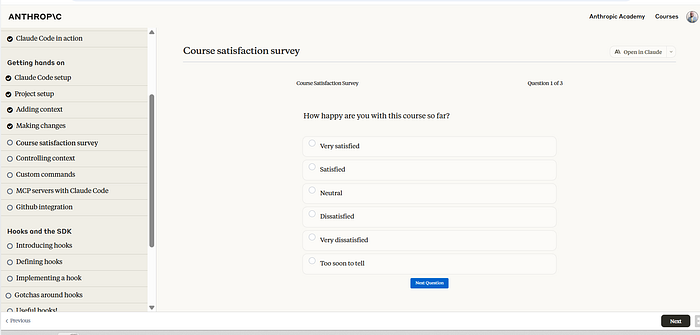
It's optional, but it helps Anthropic improve the content.
Hooks and the SDK
This section gets into advanced customization.
Hooks let you extend Claude Code's behavior beyond what's available out of the box.
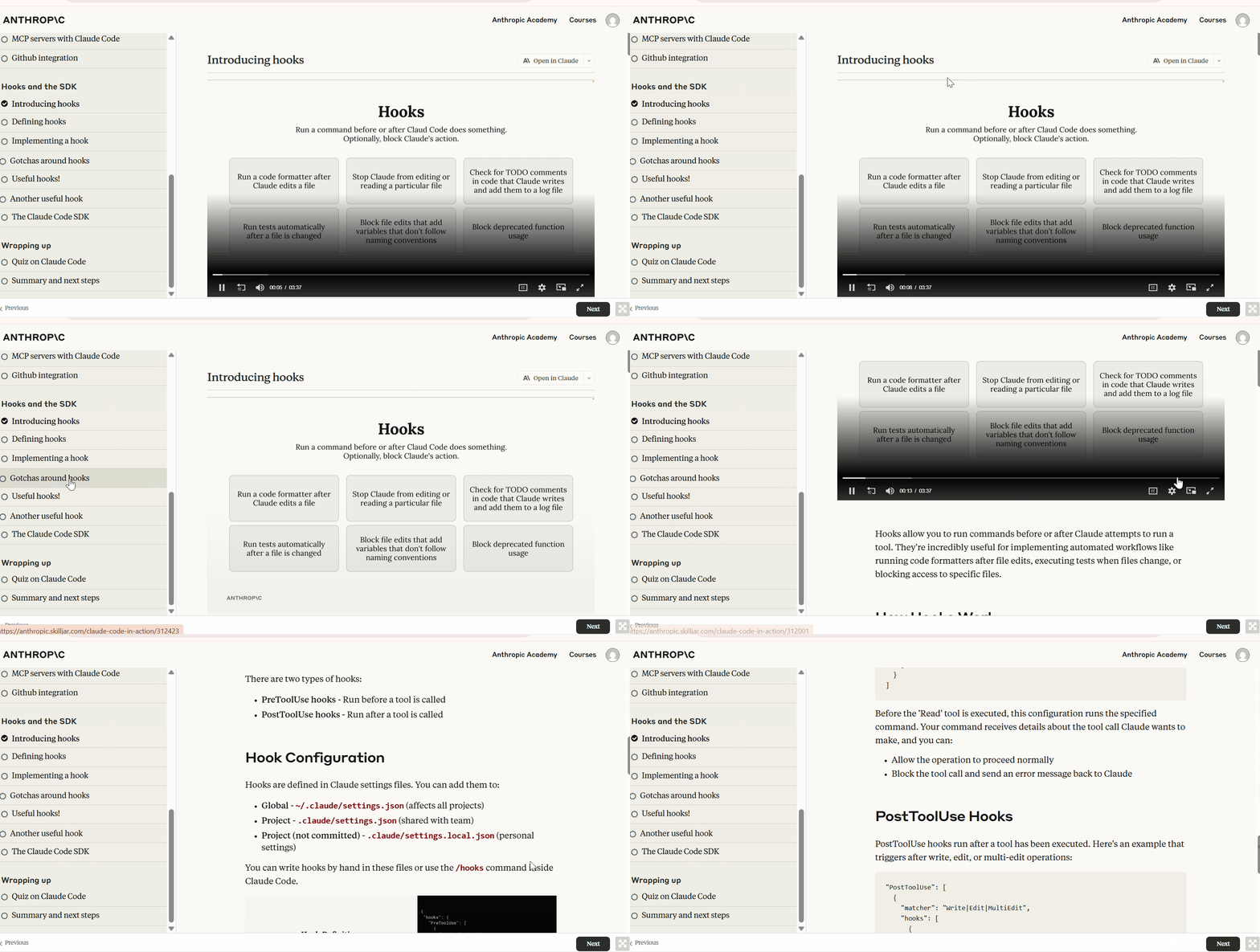
Topics covered:
- Introducing hooks — What hooks are and why they matter
- Defining hooks — How to structure hook configurations
- Implementing a hook — Writing your first hook
- Gotchas around hooks — Common mistakes to avoid
- Useful hooks! — Practical hook examples
- Another useful hook — More real-world applications
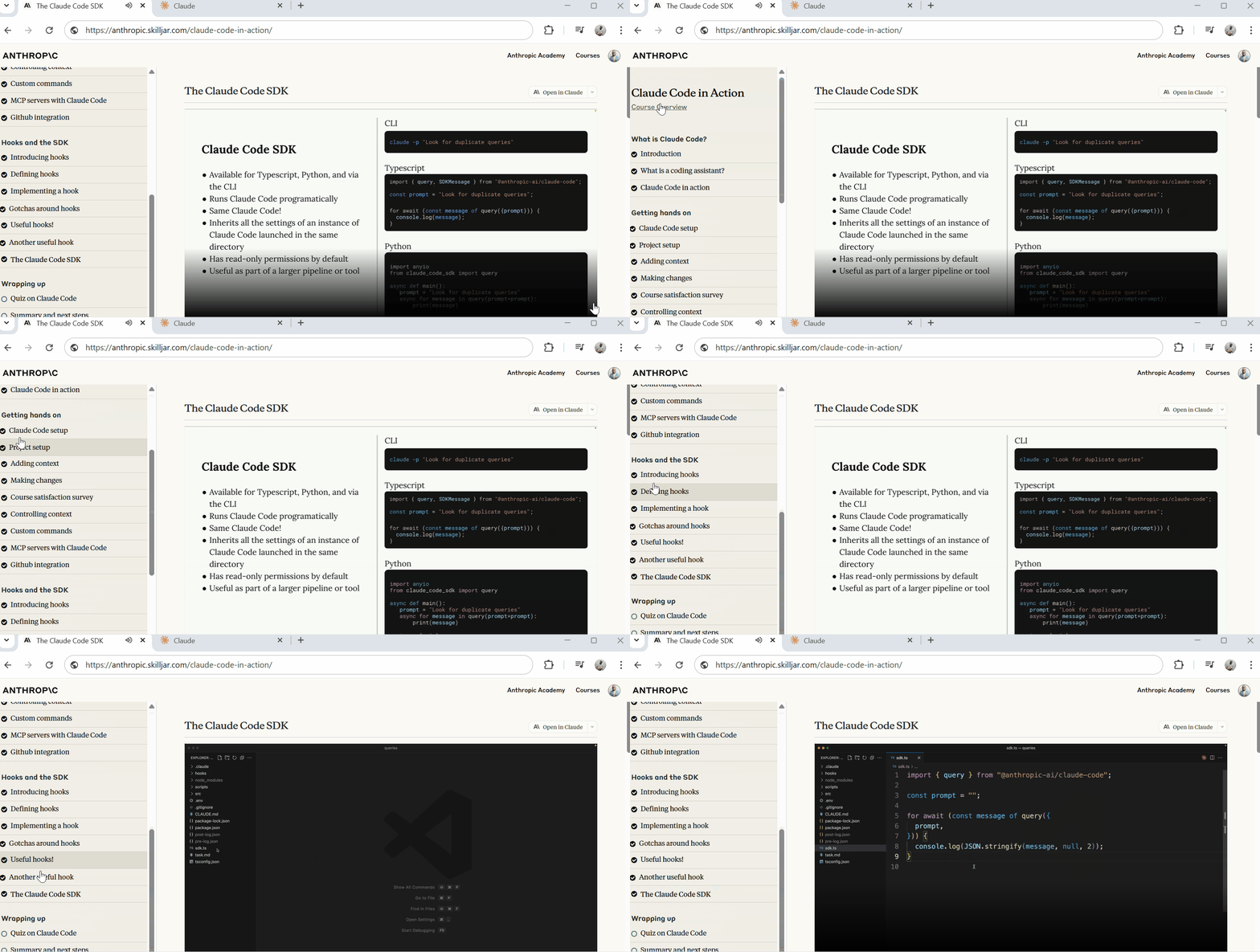
- The Claude Code SDK — Programmatic access to Claude Code
The gotchas lesson will save you some headaches.
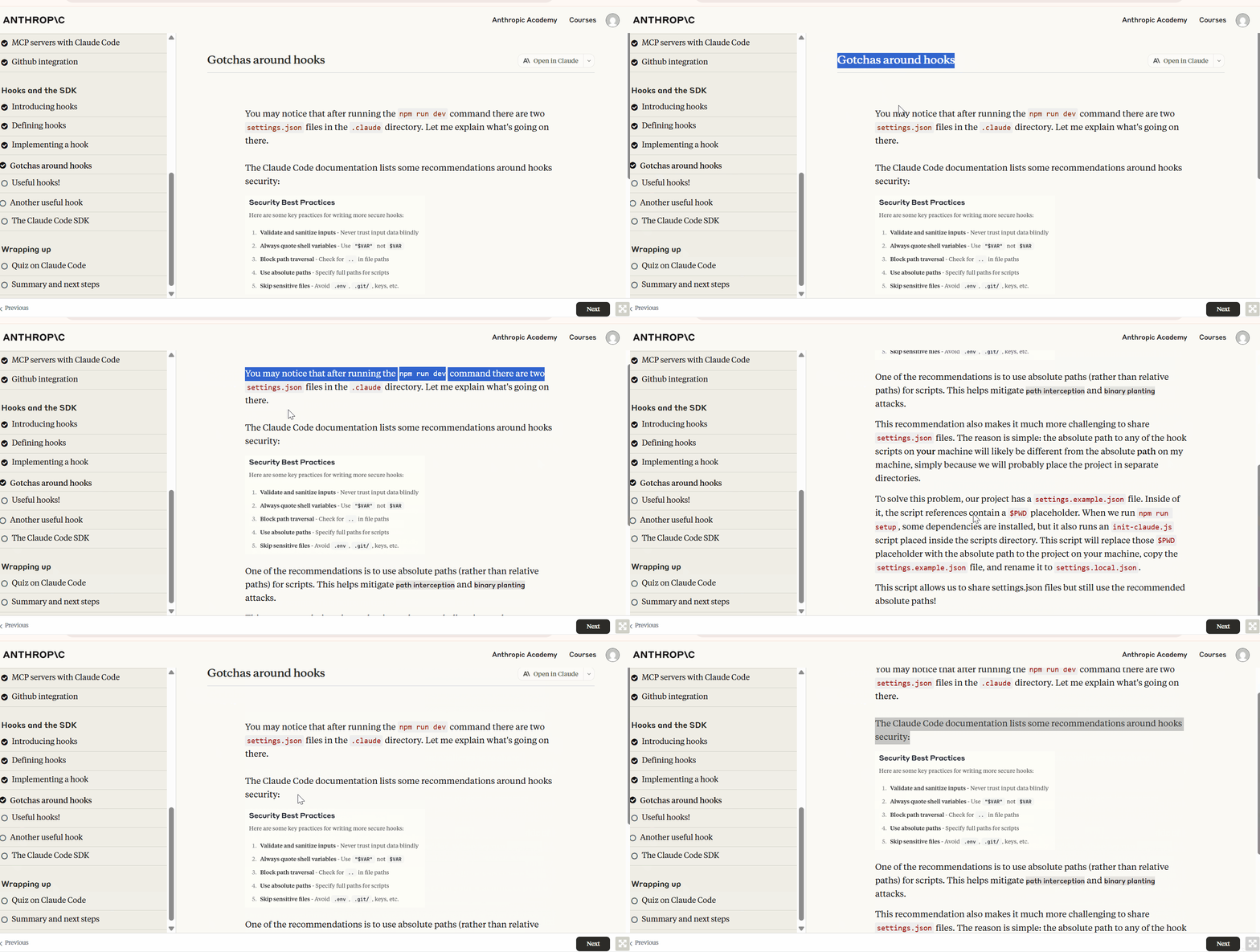
The course explains that hooks can prevent tool calls if certain conditions aren't met. This becomes important in the quiz later.
The final section brings everything together and tests your knowledge.
Final steps:
- Quiz on Claude Code — 8 questions covering all major topics
- Summary and next steps — Where to go from here
The quiz is the way to earn your certificate. You need to pass it to get your completion certificate.
Taking the Quiz
After completing all the lectures, you face the final quiz.
Eight questions stand between you and your certificate. The quiz is easy if you paid attention during the course or are above an average Claude Code user.
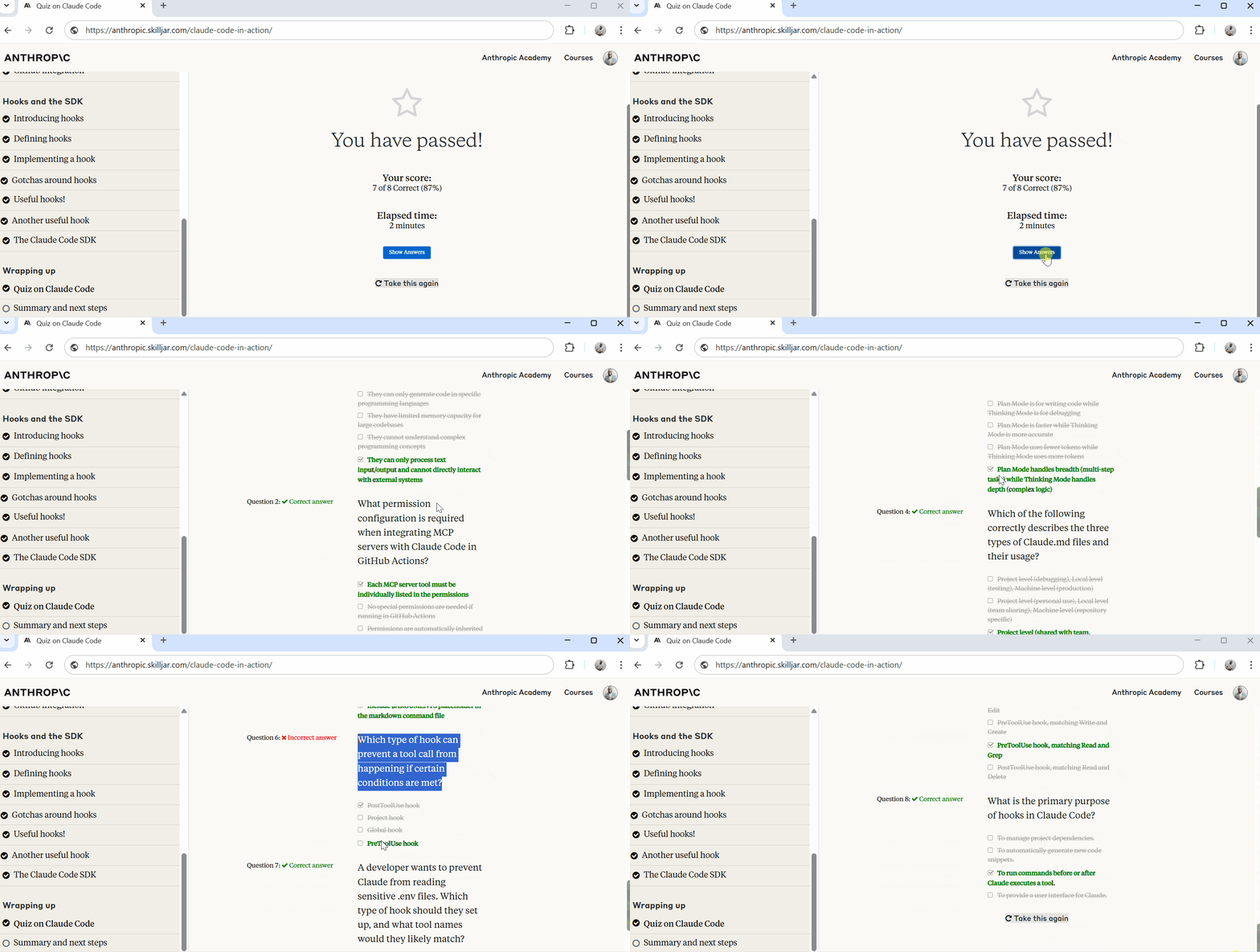
I completed it in 2 minutes and scored 7 out of 8 (87%).
The questions test your understanding of Claude Code's core concepts and features.
Question 5 tripped me up: Which type of hook can prevent a tool call from happening if certain conditions are met?
I rushed through this one and picked the wrong answer.
You need to get most questions right to pass.
My 87% was good enough, and honestly, I should have scored 100% if I hadn't rushed that hooks question.
Getting Your Certificate
Once you pass the quiz, Anthropic emails you a link to your certificate. The email arrives almost immediately after you complete the quiz.
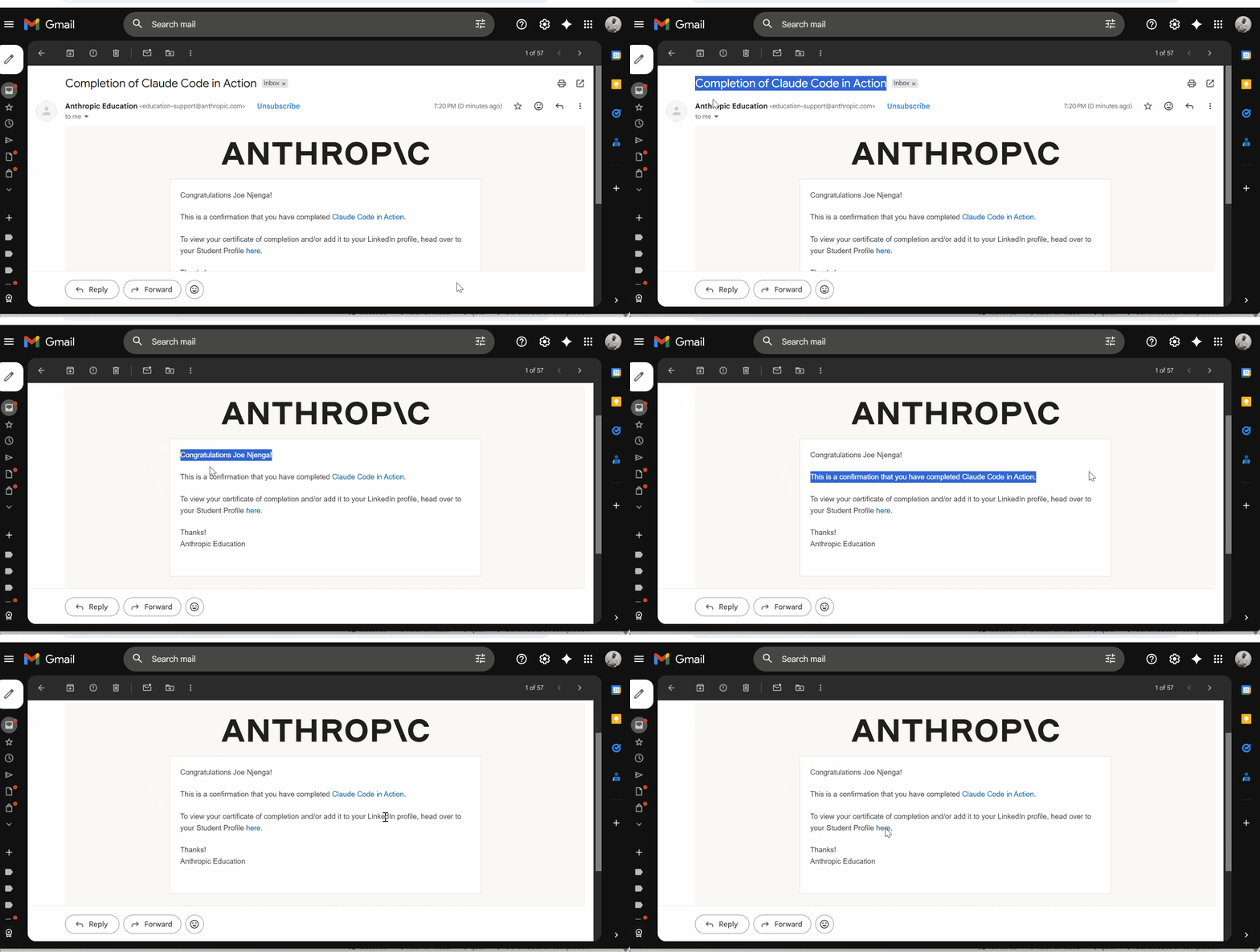
The certificate includes:
- Your name
- Course title (Claude Code in Action)
- Completion date
- Certificate number for verification
- Anthropic Education branding
You can download it as a PDF or view it through a unique URL
The verification information at the bottom confirms authenticity. Each certificate has a unique identifier that can be verified through Skilljar, the platform Anthropic uses for course delivery.
Adding to LinkedIn
The course makes it easy to share your achievement. Right from the certificate page, you can add it to your LinkedIn profile with one click.
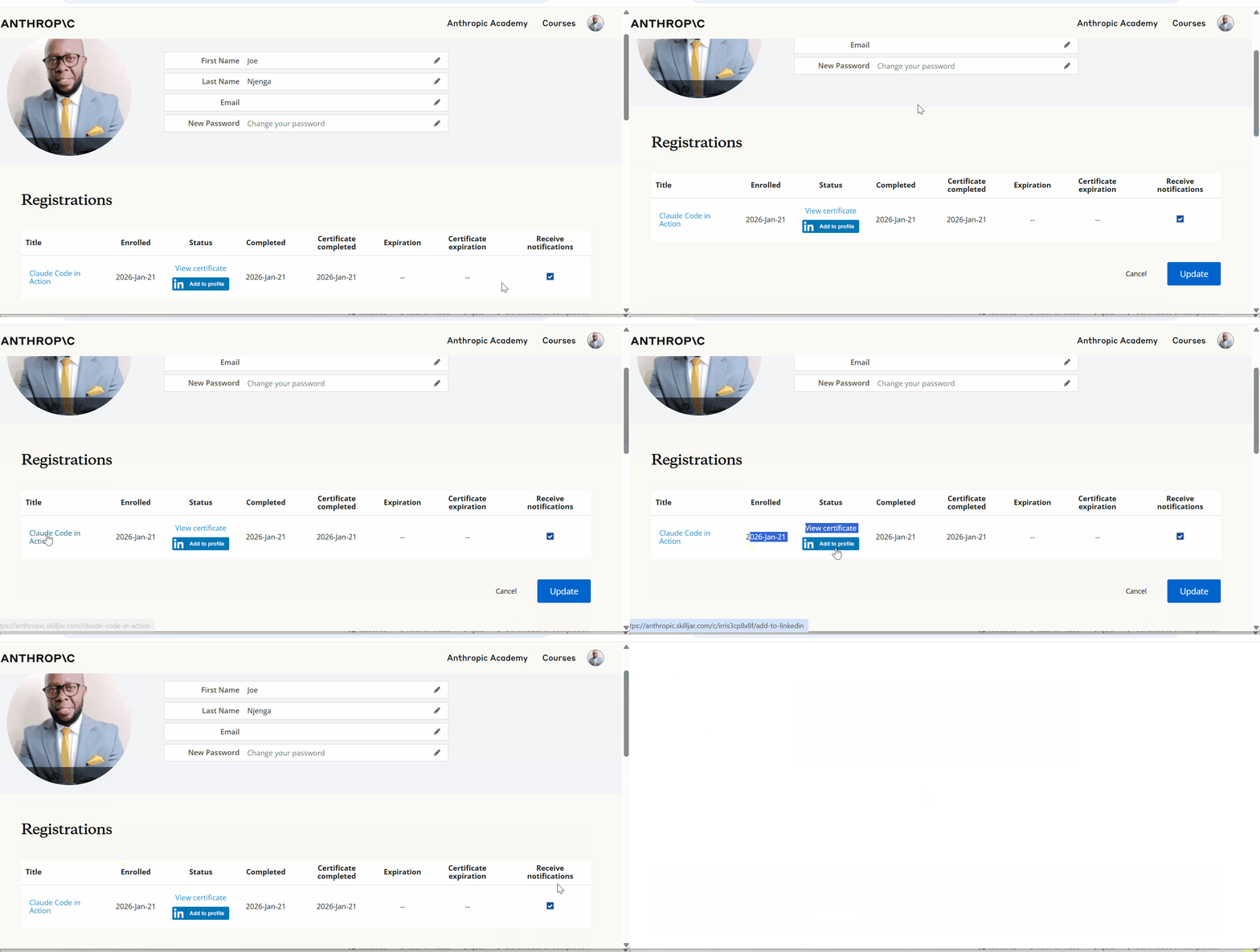
I added mine to LinkedIn, though I'm not a big fan of badge collecting.
Still, for professionals seeking to demonstrate their AI coding skills, this certification offers tangible proof of expertise.
It's useful if you're:
- Applying for roles that involve AI-assisted development
- Building credibility in the Claude Code community
- Demonstrating commitment to staying current with AI tools
The certificate itself isn't going to transform your career, but it validates that you understand Claude Code's fundamentals.
Final Thoughts
This course works for different audiences:
- Beginners: If you're new to Claude Code, this is your starting point. The structured approach beats piecing together information from scattered sources. You get the official perspective from Anthropic, and the progression makes sense.
- Experienced users: Even if you've been using Claude Code, the course fills gaps. I've been writing about Claude Code since launch, and I still found value in seeing how Anthropic officially teaches certain concepts. The hooks section clarified some implementation details.
- Professionals evaluating AI coding tools: The one-hour investment gives you enough understanding to decide if Claude Code fits your workflow. You'll know what it can do, what it can't do, and whether it's worth adopting.
Whether you're motivated by the certification, the knowledge, or just curiosity about what Anthropic officially teaches, the course is worth your time.
Have you taken the Claude Code in action course, and what was your experience? Let's know your thoughts in the comments below.
Resources
Claude Code Masterclass Course

Every day, I'm working hard to build the ultimate Claude Code course, which demonstrates how to create workflows that coordinate multiple agents for complex development tasks. It's due for release soon.
It will take what you have learned from this article to the next level of complete automation.
New features are added to Claude Code daily, and keeping up is tough.
The course explores Agents, Hooks, advanced workflows, and productivity techniques that many developers may not be aware of.
Once you join, you'll receive all the updates as new features are rolled out.
This course will cover:
- Advanced subagent patterns and workflows
- Production-ready hook configurations
- MCP server integrations for external tools
- Team collaboration strategies
- Enterprise deployment patterns
- Real-world case studies from my consulting work
If you're interested in getting notified when the Claude Code course launches, click here to join the early access list →
( Currently, I have 3000+ already signed-up developers)
I'll share exclusive previews, early access pricing, and bonus materials with people on the list.
Let's Connect!
If you are new to my content, my name is Joe Njenga
Join thousands of other software engineers, AI engineers, and solopreneurs who read my content daily on Medium and on YouTube where I review the latest AI engineering tools and trends. If you are more curious about my projects and want to receive detailed guides and tutorials, join thousands of other AI enthusiasts in my weekly AI Software engineer newsletter
If you would like to connect directly, you can reach out here:
Follow me on Medium | YouTube Channel | X | LinkedIn